
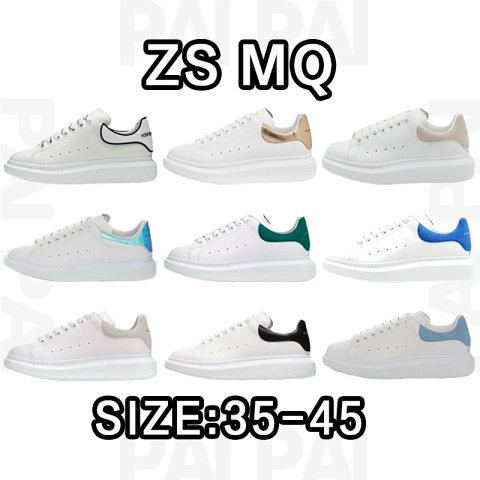


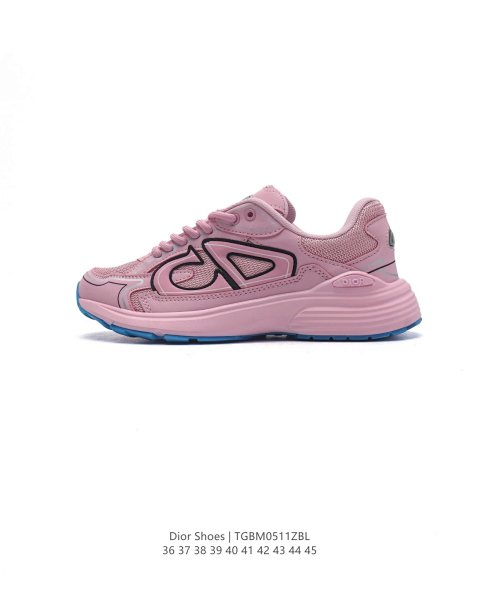

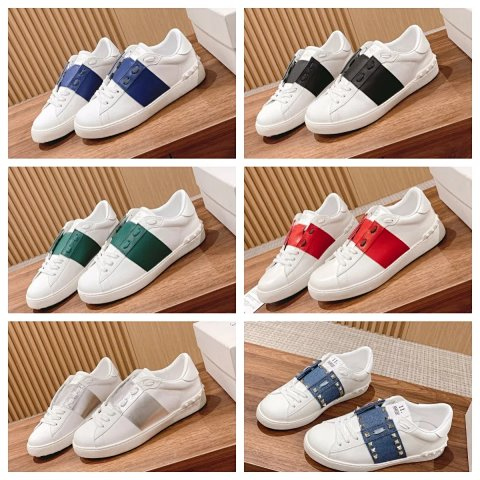





How to Use a Kakobuy Spreadsheet: Search, Compare and Verify Product Links
Learn a repeatable way to search thousands of Kakobuy product links, compare listings and verify the final item before ordering.
Read guide →Search seller listings, compare source photos and estimated prices, then open the selected marketplace item in Kakobuy.
Explore the current categories published by the source catalog.
Products, prices and images are read from public source listings.
Practical guides for spreadsheet search, QC photo review and parcel planning.
Learn a repeatable way to search thousands of Kakobuy product links, compare listings and verify the final item before ordering.
Read guide →
A category-by-category QC photo checklist for checking visible details without confusing source images with your own warehouse inspection.
Read guide →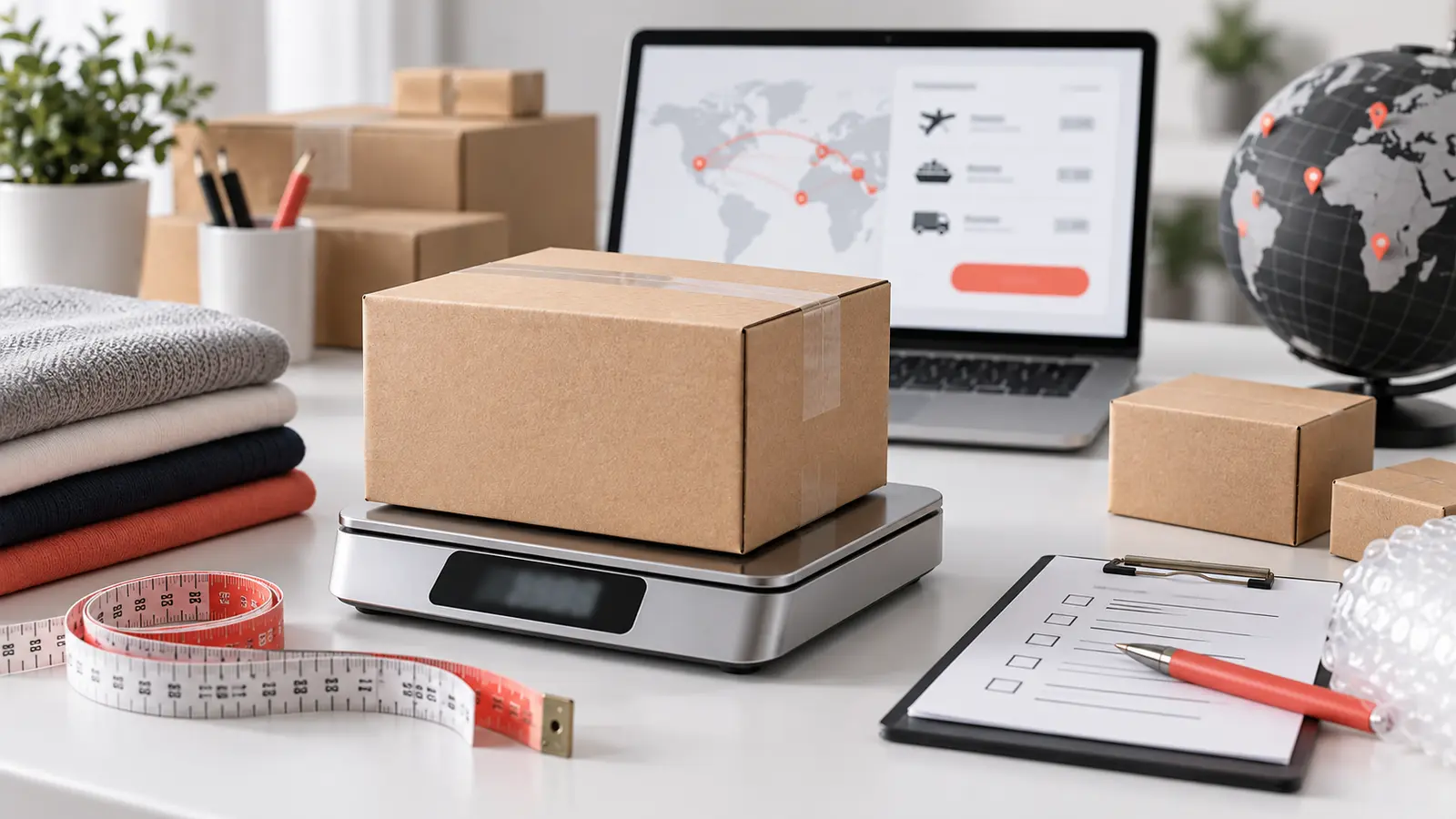
Plan a Kakobuy parcel using item weight, package volume, destination and current shipping-line rules instead of guessing from product price.
Read guide →This independent directory organizes public seller listings into a faster, mobile-friendly catalog. Product records remain on the source website and final price, stock and options should always be confirmed in Kakobuy.
Use a clear product, brand or category term to search the source catalog.
Product galleries show only images published with the matching source listing.
Open the Kakobuy item page to check the latest seller information before ordering.
Answers to common questions about product search, estimated prices, marketplace links and product information.
The Kakobuy Spreadsheet is an independent, searchable directory of public seller listings. It organizes product titles, categories, estimated prices and source images so shoppers can compare items before continuing to Kakobuy.
Kakobuy is a shopping-agent service that helps international buyers purchase products from Chinese marketplaces. After choosing an item, buyers can use Kakobuy for purchasing, warehouse processing and international parcel delivery.
Source records may include products from Weidian, Taobao, Tmall, 1688 and other Chinese marketplaces. The available marketplace and seller link depend on the information published with each source listing.
Open the Spreadsheet page and search with a product name, brand or category. You can also browse the category pages to compare similar listings.
Many source sellers price products in Chinese yuan. The spreadsheet displays an estimated US-dollar value to make comparison easier; exchange rates and seller prices can change, so confirm the final amount in Kakobuy.
Images, styles, colours and size information come from the original marketplace listing. Some sellers publish a complete gallery while others provide only a main image or a short description.
Open the product detail page, review the source images and price, then use the single Kakobuy button to continue.
QC photos are warehouse inspection images of an ordered item. They can help you review visible details such as shape, colour, material and sizing marks before international shipping.
No. The displayed amount is the source product price. Domestic delivery, international shipping, optional services and other charges are calculated separately.
Confirm the marketplace item, selected variant, current price, seller status and any shipping restrictions on the Kakobuy page before placing an order.